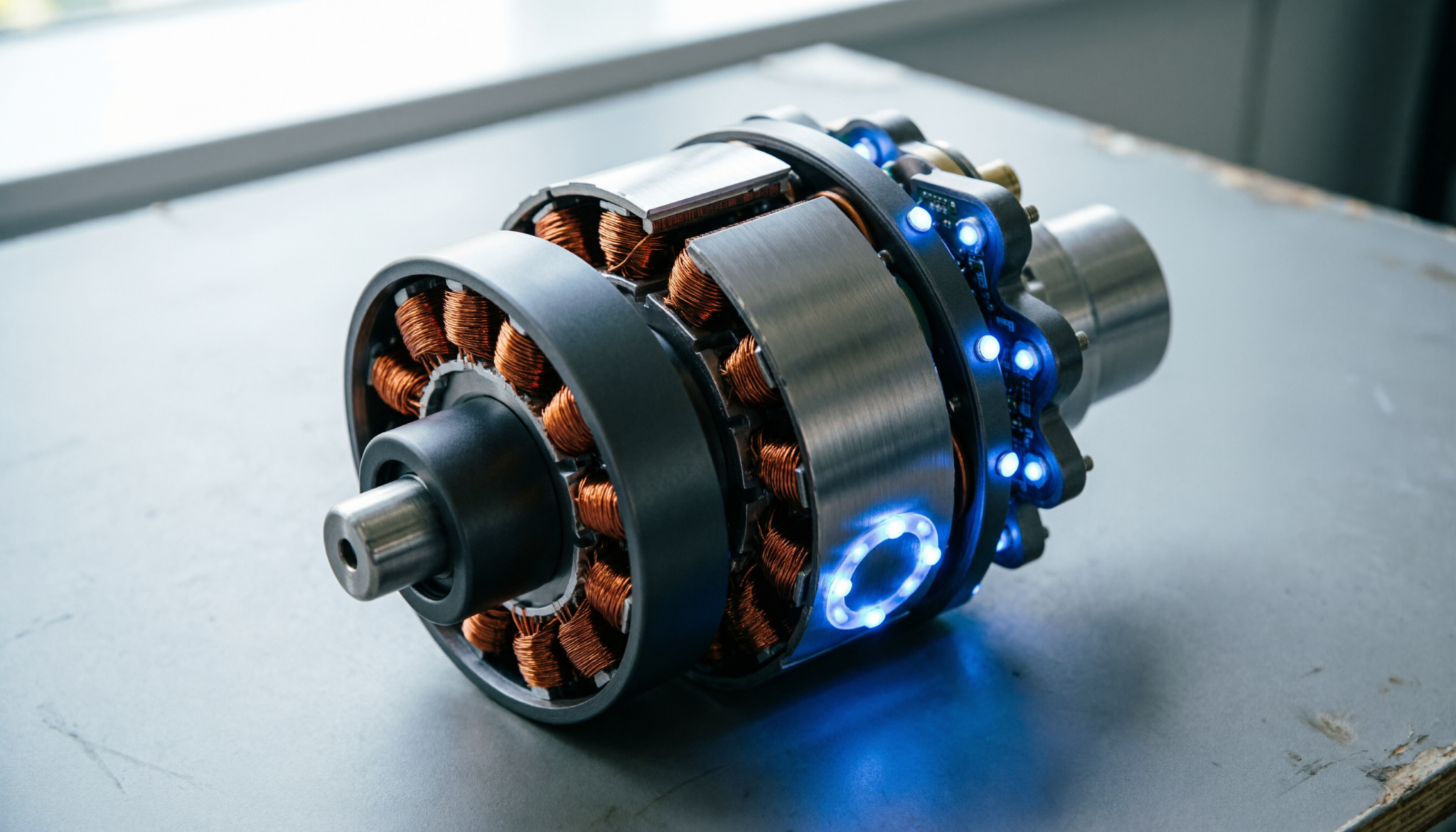
A flashing blue light on a Dyson can feel confusing, especially when cleaning stops mid-task. Those pulses are not random.
Each pattern signals a specific issue tied to power, airflow, or internal protection.
Understanding these signals helps prevent motor strain, avoid costly replacements, and keep the vacuum running smoothly.
The Short Answer
A flashing blue light on a Dyson usually indicates a power interruption. 10 to 12 flashes typically signify a depleted or failing battery, while a solid blue light that turns off during use indicates a blockage triggering the motor’s safety cutoff.
If the light flashes 32 times, the battery’s BMS has detected a terminal cell failure.
The Error Code Table
| Pattern | Number of Flashes | Root Cause | The Fix |
|---|---|---|---|
| Flashing Blue | 10 – 12 | Low/Dead Battery | Charge or Replace |
| Solid Blue | N/A | Airflow Blockage | Clean Filter / Check Wand |
| Flashing Red | 12+ | Motor/PCB Fault | Contact Support |
| Fast Blue Pulse | N/A | Connection Issue | Re-seat Battery Screws |
The “Morse Code” of Dyson: Translating the LED Pulses.
Dyson vacuums rely on light signals instead of screens. That keeps things simple, but only if the signals are understood.
A slow flashing blue light, around 10 to 12 pulses, points straight to battery trouble. Either the charge is low, or the battery can no longer hold power properly.
Charging may help once or twice, but repeated flashing usually means replacement is overdue.
A solid blue light that cuts off during cleaning tells a different story. Power is available, but airflow is restricted. The motor shuts itself down to prevent overheating.
In real homes, this often comes from hair wrapped inside the brush bar or a clogged wand.
Fast pulsing blue lights tend to be overlooked. These often come from loose battery connections, especially after a battery swap. Even slightly misaligned screws can interrupt power flow.
Then there is the rare but serious long sequence, often around 32 flashes. That points to internal battery cell failure.
No cleaning or resetting will fix that. Continuing to use the vacuum in this state risks damaging the motor further.
Blue vs. Red Lights: When to clean and when to replace.
Blue lights usually signal manageable problems. Red lights, on the other hand, signal risk.
A blue light means the machine is still protecting itself. Either airflow is blocked or power delivery is unstable.
These are fixable at home. Cleaning filters, clearing hoses, or tightening connections solves most cases.
A red flashing light is different. It signals a deeper fault in the motor or control board. This is not a maintenance issue.
It often follows overheating or electrical failure. Continued use can worsen internal damage.
Here is the practical rule:
- Blue light: stop, inspect, clean, or recharge
- Red light: stop completely and arrange repair or replacement
Ignoring that distinction is where small issues turn expensive.
The Reset Trick: How to clear “Ghost” error codes.
Sometimes the vacuum shows error signals even after the problem is fixed. This happens more often after deep cleaning or battery replacement.
A simple reset often clears these “ghost” signals:
- Remove the battery completely
- Press and hold the power trigger for 10–15 seconds
- Leave the machine without power for a few minutes
- Reinstall the battery securely
- Run the vacuum briefly on a low setting
This process drains residual electrical charge and resets the internal sensors.
If the same light pattern returns immediately, the issue is real, not residual. That is the moment to stop guessing and focus on the specific fault.
What These Signals Mean for Your Motor
The motor is the most expensive part of the vacuum, and every light signal is tied to protecting it.
Blocked airflow forces the motor to work harder. Heat builds up quickly. The automatic cutoff triggered by a solid blue light is not a nuisance.
It is a safeguard. Ignoring it and restarting repeatedly pushes the motor toward failure.
Battery issues also affect motor performance. An unstable battery delivers inconsistent power. That creates strain during startup and operation. Over time, this weakens motor efficiency.
Connection issues may seem minor, but they cause intermittent power loss. That stop-start behavior is one of the fastest ways to wear down internal components.
In short, the lights are early warnings. Acting on them early keeps the motor healthy. Ignoring them turns small maintenance tasks into full replacements.
Practical Maintenance That Prevents These Signals
Most flashing light issues are preventable with simple habits:
- Clean the filter every 2–4 weeks depending on usage
- Check the wand and head for blockages weekly
- Remove hair buildup from the brush bar regularly
- Avoid running the vacuum until the battery is fully drained every time
- Tighten battery screws after any removal
Skipping these steps is where problems begin. Not immediately, but gradually. Then one day, the flashing starts.
FAQs
1. Why does the blue light flash even after a full charge?
A full charge does not always mean a healthy battery. Aging batteries can show full charge but fail under load. If flashing continues during use, the battery likely needs replacement.
2. Can a clogged filter damage the motor permanently?
Yes. A clogged filter restricts airflow, causing overheating. Repeated overheating shortens motor lifespan and can lead to permanent failure if ignored.
3. Is it safe to keep using the vacuum with a flashing blue light?
Short-term use may be fine for minor issues, but continued use without fixing the cause increases the risk of motor damage. Address the problem before regular use continues.
Final Thought
Flashing lights are not faults to ignore. Each pattern points to a specific stress on the vacuum’s system. Quick action keeps repairs simple and affordable.
Regular cleaning, proper charging, and careful handling go a long way in keeping the motor strong and the machine reliable.