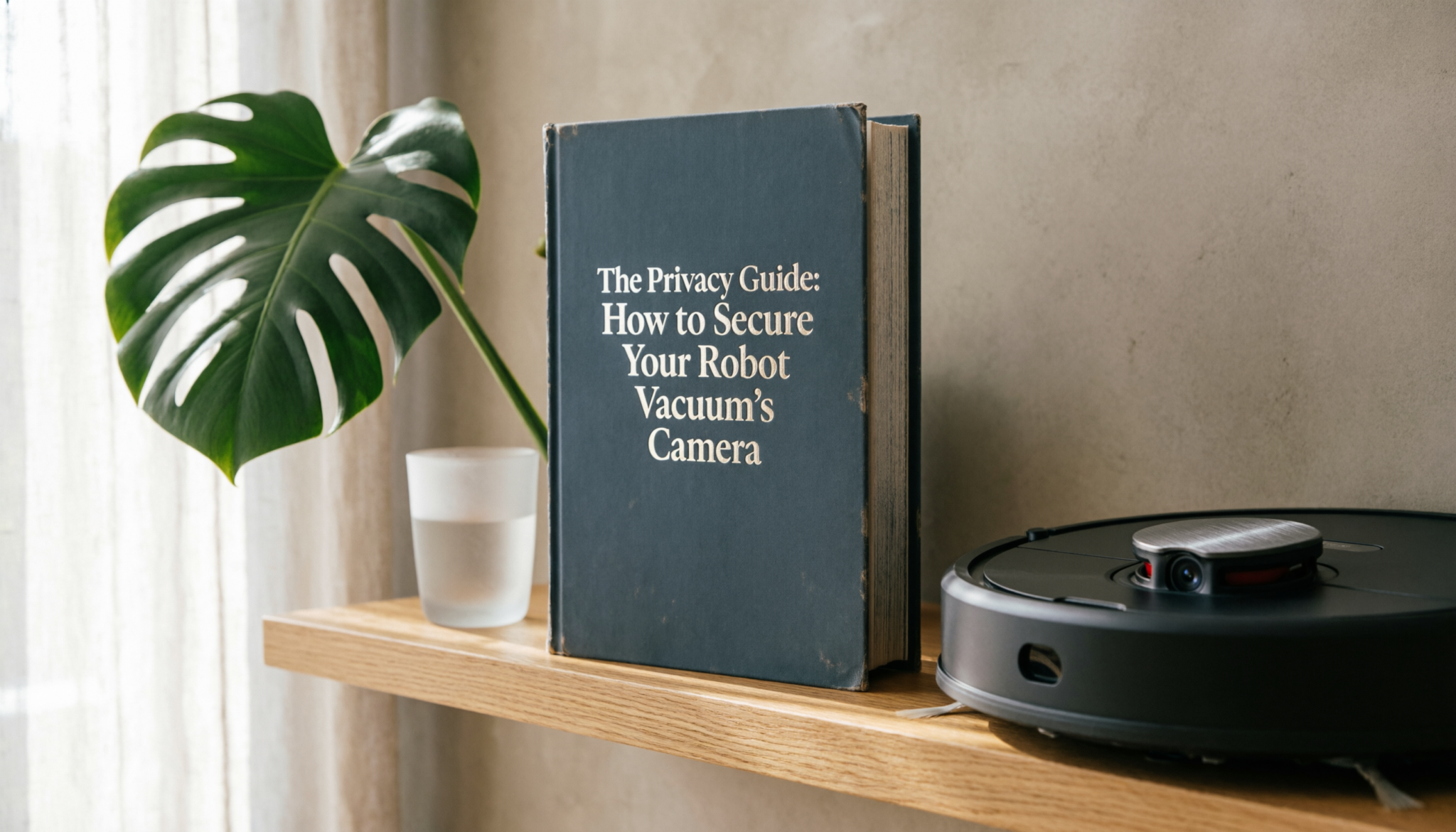
The Safety Brief: Robot vacuum cameras map floor plans, identify obstacles, and improve navigation efficiency. Weak passwords, outdated firmware, and unsecured Wi-Fi networks create privacy risks that expose interior layouts and live camera feeds.
Disconnect unused cloud permissions, enable two-factor authentication, and isolate the vacuum on a guest network to reduce unauthorized remote access.
WARNING:
A compromised robot vacuum camera exposes more than floor plans. Camera-equipped models can capture room layouts, valuables, pet routines, and daily schedules. Public Wi-Fi, reused passwords, and inactive firmware updates remain the most common security failures in connected cleaning systems.
THE SECURITY HIERARCHY
| Security Layer | Threat Outcome | Protection Efficiency | Professional Application |
|---|---|---|---|
| WPA3 Wi-Fi Encryption | Blocks unauthorized network interception | Extremely High | Enterprise-grade wireless protection |
| Two-Factor Authentication (2FA) | Prevents unauthorized account logins | High | Banking and surveillance systems |
| Local-Only Storage Mode | Eliminates cloud-camera exposure | Maximum Privacy | Secure government and research facilities |
The Short Answer
A secure robot vacuum setup relies on three habits:
- Place the vacuum on a Guest Wi-Fi network to isolate smart devices from laptops and banking information.
- Disable cloud photo syncing for obstacle images inside the mobile app.
- Update firmware regularly to close known security gaps.
Vacuum models with TÜV Rheinland Privacy Certification offer an extra layer of reassurance because data transmission uses encryption and image processing often stays on the device rather than remote servers.
Network Isolation: Why a Guest Network Matters
A robot vacuum connects to the same home network used by phones, laptops, tablets, and sometimes work devices.
Without separation, a compromised vacuum becomes a doorway into that entire network.
A Guest Wi-Fi network blocks that pathway.
A typical router allows multiple network names (SSIDs). One SSID handles everyday internet activity.
Another handles smart devices such as robot vacuums, smart bulbs, and doorbells.
Benefits of network isolation
- Prevents access from a hacked vacuum to personal files or banking sessions
- Limits device-to-device communication inside the home network
- Keeps work laptops and private storage separate from IoT gadgets
Practical setup
- Open router settings.
- Create a Guest SSID.
- Connect the robot vacuum to that SSID during app setup.
This single change blocks the most common lateral-movement attacks used inside home networks.
Expert’s Insight
Expert’s Insight: Most robot vacuum breaches originate from weak router passwords rather than the vacuum hardware itself. Network isolation matters more than expensive cybersecurity subscriptions.
A dedicated smart-device guest network blocks most intrusion attempts because compromised appliances lose direct access to personal phones, computers, cameras, and cloud-storage systems.
How to Secure Your Robot Vacuum’s Camera
Local vs Cloud Processing: Why Edge AI Is Safer
Camera-equipped robot vacuums use visual data to avoid cords, shoes, and pet accidents.
The key privacy difference lies in where that image processing happens.
Edge AI (Local Processing)
Edge AI processes images directly on the robot’s internal chip. No photo upload required.
Advantages:
- No household images stored on external servers
- Faster obstacle recognition
- Reduced risk from data breaches
Many modern premium vacuums from brands such as Roborock and iRobot increasingly rely on onboard processing rather than continuous cloud analysis.
Cloud Processing
Cloud processing sends images to company servers for analysis. That approach works but creates extra exposure.
Risks include:
- Image storage outside the home
- Potential breaches of cloud databases
- Misconfigured privacy settings
Safer practice:
Disable obstacle photo uploads or image history storage inside the vacuum’s mobile app whenever possible.
The Firmware Patch
Old firmware creates the biggest security hole in many smart homes.
Firmware acts as the operating system inside a robot vacuum. Vulnerabilities appear over time, and manufacturers release updates that close those gaps.
Hackers frequently target devices running outdated firmware because older versions contain known weaknesses.
Good maintenance routine
- Check for firmware updates once each month
- Enable automatic updates when available
- Avoid third-party firmware modifications
A five-minute update prevents months of exposure.
The “Opt-In” Features
Some robot vacuums include features designed for convenience but capable of raising privacy concerns.
Examples include:
- Remote video monitoring
- Live camera viewing
- Voice or microphone features
Those features require strong protection.
Safe configuration
- Enable Two-Factor Authentication (2FA) in the app account
- Use a unique password unrelated to email or banking passwords
- Disable remote viewing when no active need exists
Strong authentication blocks most unauthorized access attempts.
How to Secure Camera Permissions without Destroying Navigation Accuracy
Many owners disable every permission immediately after setup. That approach often damages navigation performance and obstacle avoidance.
Security works best through controlled limitation, not total shutdown.
Recommended Camera Security Settings
1. Disable Remote Viewing Features
Some robot vacuums allow live camera access from mobile apps.
Disable:
- Live remote driving
- Continuous video monitoring
- Camera-sharing permissions
- Remote guest accounts
Obstacle recognition still functions without remote viewing enabled.
2. Limit Cloud Retention
Delete stored maps periodically.
Many applications allow:
- Manual map deletion
- Multi-floor history clearing
- Cloud synchronization removal
Long-term map retention increases exposure risks unnecessarily.
3. Review App Permissions Carefully
Mobile applications often request:
- Contacts access
- Microphone access
- Bluetooth permissions
- Precise location tracking
Only enable permissions required for cleaning functionality.
4. Use Strong Account Credentials
Weak passwords remain the largest smart-home security failure.
Avoid:
- Pet names
- Birth years
- Shared streaming passwords
Use:
- Unique password managers
- Randomized credential generation
- Two-factor authentication
Offline Mode vs Cloud Mode
Offline operation provides maximum privacy but reduced convenience.
Offline Advantages
- No external cloud transmission
- Reduced hacking exposure
- No remote server storage
- Faster local command response
Offline Limitations
- No remote scheduling
- Limited voice assistant integration
- Reduced mapping backups
- No remote troubleshooting support
For many households, hybrid operation works best:
- Cloud features disabled
- Local navigation retained
- Firmware updates manually installed
- Camera permissions restricted
This setup balances privacy with cleaning performance.
Signs of a Poorly Secured Robot Vacuum
Several warning signs indicate weak security practices.
Red Flags
- Default passwords still active
- Unknown devices appearing in the app
- Frequent forced logouts
- Unrecognized map changes
- Excessive battery drain during idle periods
- Delayed camera-response behavior
- Random movement without scheduled cleaning
Unexpected microphone or camera activation should always trigger an immediate password reset and firmware inspection.
FAQs
1. Does a robot vacuum camera record constantly?
Most models activate cameras primarily during navigation and mapping tasks rather than continuous recording. Remote monitoring features may keep cameras accessible longer depending on app settings.
2. Is LiDAR safer than camera navigation?
LiDAR systems generally create lower privacy exposure because no recognizable room images are captured. Spatial mapping data still requires protection because floor plans remain sensitive information.
3. Should smart-home devices share one Wi-Fi network?
No. A separate guest network for smart appliances reduces lateral intrusion risks and protects phones, laptops, and banking devices from compromised IoT hardware.
Bottom Line
Robot vacuum camera security depends more on network discipline than expensive hardware. Strong passwords, isolated Wi-Fi networks, restricted app permissions, and updated firmware eliminate most real-world risks.
Camera-equipped vacuums remain safe household tools when cloud access stays limited, unnecessary permissions stay disabled, and mapping data receives regular deletion data.