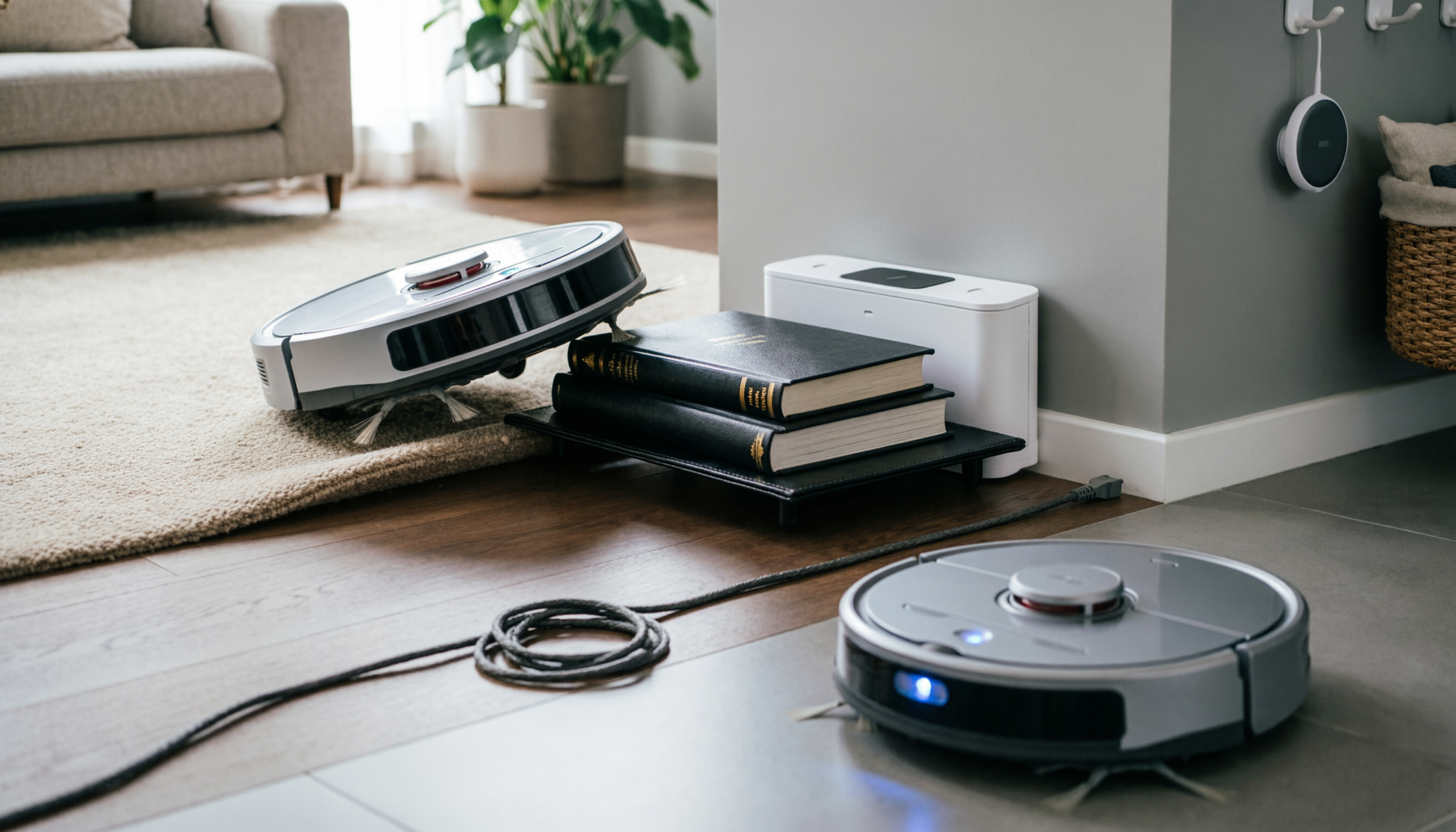
Diagnostic Summary: Robot vacuums fail to dock because of blocked infrared signals, poor charging-station placement, dirty navigation sensors, outdated mapping memory, or low battery voltage.
Most docking problems take less than 20 minutes to fix with sensor cleaning, dock repositioning, floor-path clearing, and a full navigation reset.
Warning
Unplug the docking station before cleaning charging contacts or handling power cables. Wet cloths, metal tools, and damaged adapters can short the charging terminals. Incorrect docking-station placement near stairs or reflective surfaces may also cause repeated navigation errors and battery strain.
Comparison Table
| Navigation Factor | Signal Outcome | Docking Accuracy | Common Household Impact |
|---|---|---|---|
| Clean infrared sensors | Stable signal detection | High | Reliable room-to-room docking |
| Blocked or dusty sensors | Weak signal return | Low | Random stopping and missed docking |
| Proper dock placement | Clear navigation path | Very High | Faster charging and fewer navigation loops |
IR Blindness: Cleaning the Home-Base Transmitter
Most robot vacuums rely on infrared signals to locate the dock. When that signal gets blocked, the vacuum behaves like it is lost.
Common causes:
- Dust film on the dock’s IR window
- Fingerprints or cleaning residue
- Pet hair buildup around the sensor
Fixing it takes less than two minutes:
- Use a dry microfiber cloth first
- If buildup is stubborn, lightly dampen with water
- Avoid sprays directly on the unit
A neglected sensor weakens the signal. The vacuum may circle the area but fail to “see” the dock until it is almost touching it.
Edge case worth noting: strong sunlight hitting the dock can interfere with IR signals. If the dock sits near a window, especially in the afternoon, repositioning often solves the issue instantly.
Why Robot Vacuums Lose the Docking Signal
Robot vacuums rely on infrared sensors, cameras, lasers, or gyroscopes to locate the charging station. Small navigation errors build over time.
A chair leg shifted two inches, a dark rug edge, or dust covering a sensor can interrupt the return path completely.
Most docking failures happen because the charging station sits in a poor location. Tight corners, reflective mirrors, furniture legs, and direct sunlight confuse navigation systems.
Many robot vacuums need at least three feet of open space beside the dock and five feet in front for reliable alignment.
Dirty sensors create another common issue. Dust softens infrared signals and reduces the vacuum’s ability to recognize the charging beacon. Pet hair buildup around the front bumper also interferes with obstacle detection.
Low battery voltage adds another complication. A weak battery may not provide enough power for the vacuum to complete the return trip, especially in larger homes.
Best Dock Placement for Reliable Navigation
Dock placement matters more than most owners realize. Even premium robot vacuums struggle when the station sits in an awkward location.
Use these placement rules:
- Place the dock against a flat wall
- Keep the station on hard flooring when possible
- Avoid thick rugs beneath the dock
- Leave open clearance on both sides
- Keep the area free from cords and shoes
- Avoid mirrors and direct sunlight
Sunlight causes frequent infrared interference during daytime cleaning cycles. Glass doors and mirrored cabinets create signal reflections that confuse mapping systems.
Wi-Fi dead zones may also affect advanced mapping models. Smart robot vacuums continuously sync positional data during cleaning cycles.
Weak wireless signals can interrupt map recovery and docking routines.
Homes with multiple floor types often create alignment problems near transition strips. Raised carpet edges may prevent charging pins from connecting properly even when the robot reaches the dock.
Clean Sensors and Charging Contacts Properly
Sensor cleaning fixes a large percentage of docking failures. Many owners clean the dustbin but ignore the navigation hardware entirely.
Focus on these areas:
Front Infrared Sensors
Use a dry microfiber cloth. Avoid glass cleaner or wet wipes. Moisture can cloud sensor lenses and attract more dust later.
Charging Contacts
Clean both the dock terminals and the vacuum contacts gently. Oxidized metal reduces charging efficiency and weakens docking confirmation signals.
Cliff Sensors
Dirty cliff sensors sometimes misread dark flooring as a staircase. The vacuum may stop inches from the dock and reverse repeatedly.
Camera or LiDAR Housing
Premium models with LiDAR towers or visual cameras require clear surfaces for accurate mapping. Fingerprints and dust distort room recognition.
Cleaning once every two weeks prevents most navigation issues in homes with pets or heavy foot traffic.
Technician’s Insight
Technician’s Insight: Repeated docking failures after sensor cleaning usually point to environmental interference rather than hardware damage.
Black flooring, mirrored furniture, unstable Wi-Fi signals, or uneven charging contacts often create navigation drift.
Consistent dock placement matters more than expensive replacement parts in most real-world home layouts.
Reset Mapping and Navigation Memory
Robot vacuums store room geometry, obstacle locations, and docking paths. Furniture movement or interrupted cleaning cycles can corrupt mapping memory.
Signs of corrupted navigation include:
- Endless circling near the dock
- Stopping inches away from charging contacts
- Returning to old furniture locations
- Random room skipping
- Repeated “dock not found” errors
A full reset often restores proper navigation.
Basic Reset Process
- Delete the stored map in the companion app
- Power off the robot completely
- Unplug the charging station for 60 seconds
- Restart both devices
- Run a fresh mapping cycle during daylight
Fresh mapping works best in stable lighting conditions with minimal floor clutter.
Avoid lifting the vacuum manually during mapping runs. Forced repositioning confuses internal orientation tracking.
Older robot vacuums with gyroscope navigation drift more easily than LiDAR-based models. Larger homes with many identical hallways also increase mapping confusion.
Battery Problems That Affect Docking
Battery wear changes navigation behavior long before complete battery failure occurs.
A weak battery causes:
- Slow movement near the end of cleaning cycles
- Reduced suction before docking
- Incomplete return trips
- Random shutdowns far from the dock
Lithium-ion batteries lose capacity gradually over time. After two to four years, many robot vacuums struggle to reserve enough energy for the return path.
Cold floors worsen the problem. Battery efficiency drops noticeably in low temperatures, especially on tile or concrete flooring.
Charging-contact wear creates another hidden issue. Bent or dirty contacts interrupt charging sessions, leaving the vacuum underpowered for future cleaning cycles.
Battery calibration helps some models:
- Fully charge the robot
- Run cleaning mode until complete discharge
- Recharge uninterrupted to 100%
Calibration resets inaccurate battery-percentage readings and improves docking decisions.
FAQs
1. Why does a robot vacuum stop near the dock but not charge?
Dirty charging contacts, uneven flooring, or poor alignment usually prevent electrical connection. Clean both charging terminals and check for carpet edges lifting the vacuum slightly above the dock pins.
2. Why does sunlight affect robot vacuum docking?
Many robot vacuums use infrared navigation. Strong sunlight overwhelms infrared receivers and weakens docking-signal recognition, especially near windows or glass doors.
3. How often should robot vacuum sensors be cleaned?
Sensor cleaning every two weeks works well for most homes. Homes with pets, construction dust, or heavy traffic may require weekly maintenance.
Bottom Line
Docking failures rarely mean complete robot vacuum failure. Most problems come from poor dock placement, dirty sensors, mapping confusion, or aging batteries. Consistent maintenance prevents repeated navigation errors.
Clean sensors regularly, maintain clear docking space, reset corrupted maps quickly, and monitor battery performance before expensive repairs become necessary.