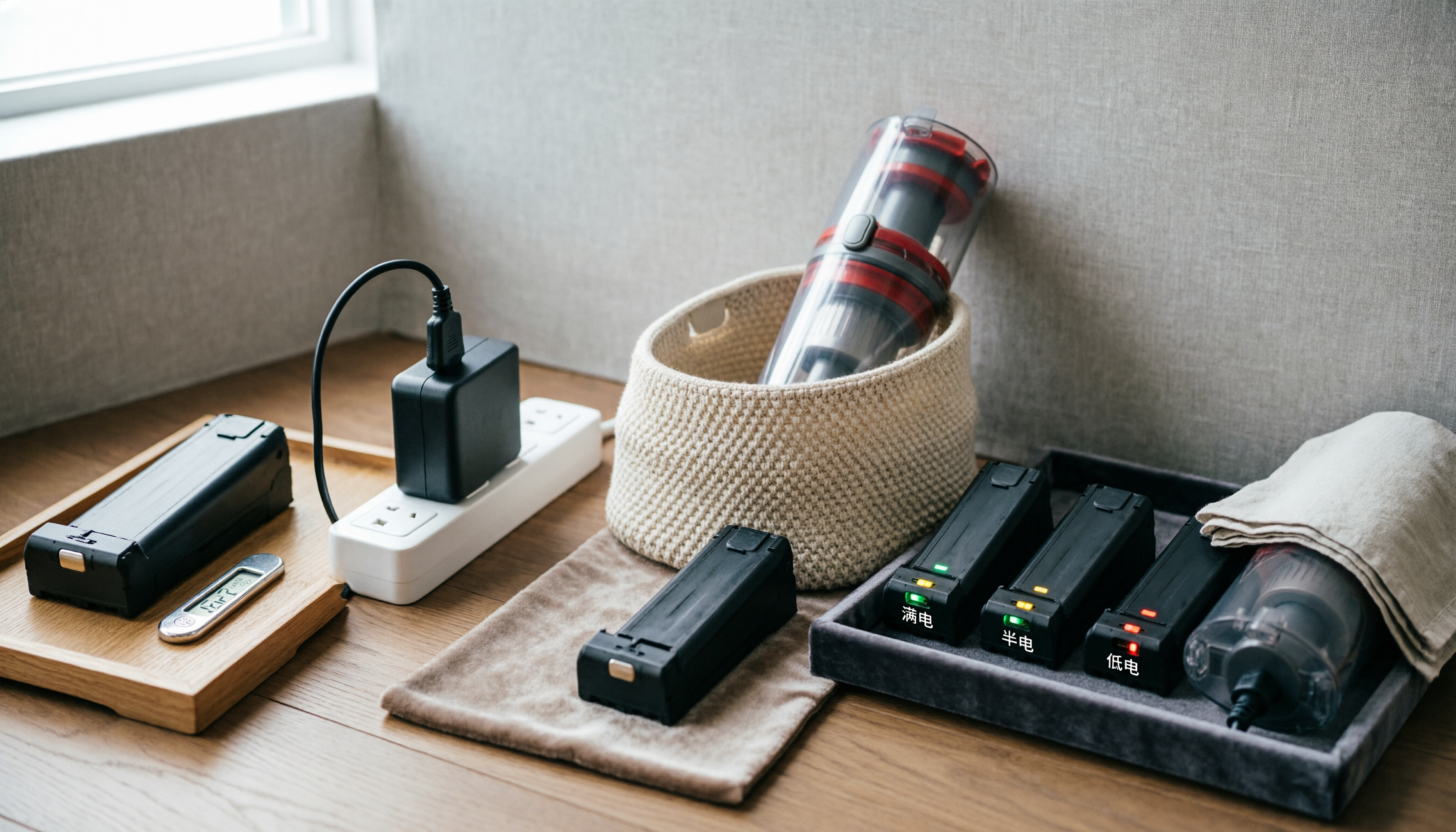
Cordless vacuum lithium-ion batteries last longest when charged at room temperature, stored at 40-60% capacity, and kept away from deep discharge cycles. Heat buildup during charging remains the leading cause of premature battery failure in high-powered stick vacuums.
WARNING: Never charge a cordless vacuum battery immediately after heavy use. Internal cell temperatures remain elevated for up to 30 minutes after operation. Charging overheated lithium-ion cells accelerates electrolyte breakdown and increases long-term capacity loss.
THE FILTRATION HIERARCHY
| Filter Grade | Particle Size Outcome | Capture Efficiency | Medical Application |
|---|---|---|---|
| Standard Foam Filter | Large household dust | 85-90% | Basic dust reduction |
| HEPA H13 | Fine allergens and pet dander | 99.95% at 0.3 microns | Allergy-sensitive homes |
| ULPA U15 | Smoke and microscopic particles | 99.9995% | Hospital clean rooms |
Ways to Stop Killing Your Cordless Vacuum Battery: Lithium-Ion Care Guide
The Physics of Voltage Stress
A lithium-ion battery at 100% is not “comfortable.” It sits under high voltage pressure, which strains internal chemistry.
That stress slowly damages the cathode and reduces how much energy the battery can hold.
Think of it like stretching a rubber band and holding it there all day. It weakens.
Keeping charge below full most of the time reduces that strain and preserves capacity.
Practical takeaway:
- Charge to 100% only when needed for a long cleaning session
- For daily use, unplug around 70–80%
The “Heat-Charge” Trap
Heat and charging at the same time create long-term damage inside the cells.
After a deep clean on turbo mode, the battery is already hot. Plugging in immediately pushes chemical reactions too fast.
This leads to lithium plating. Tiny metallic deposits form inside the battery. Once formed, capacity loss becomes permanent.
What actually works:
- Let the vacuum cool for at least 10–15 minutes before charging
- Keep charging areas well-ventilated
- Avoid charging in enclosed cabinets or near heat sources
3-Step Longevity Protocol
1. Eco Mode First
Turbo mode feels powerful but generates excess heat. Frequent use accelerates wear.
Better approach:
- Use eco or medium for routine cleaning
- Reserve turbo for thick carpets or stubborn debris
This single change can noticeably slow battery aging.
2. Room Temperature Only
Storage conditions matter more than most expect. Heat quietly destroys battery chemistry even when the vacuum sits unused.
Avoid:
- Garages
- Utility rooms with poor airflow
- Direct sunlight
Safe zone:
- Indoor spaces between 15°C and 25°C
3. Partial Discharge Wins
Old battery advice does not apply. Lithium-ion does not need full drains.
Deep discharges stress the battery and shorten its cycle life.
Best habit:
- Recharge when battery hits 20–30%
- Avoid running to 0% unless necessary
Frequent top-ups are healthier than full cycles.
Stop Running the Battery Completely Flat
Lithium-ion batteries hate full depletion.
Older nickel-cadmium batteries benefited from complete discharge cycles. Modern cordless vacuum batteries operate differently. Every deep discharge stresses internal cells and shortens overall lifespan.
Many users continue vacuuming until the machine shuts off completely. That habit damages battery chemistry over time.
Better Practice
Recharge the vacuum when battery levels drop to roughly 20-30%.
Most premium cordless vacuums include battery-management systems that reduce power automatically before shutdown.
That feature protects the cells from severe voltage damage. Ignoring those warnings repeatedly accelerates wear.
Common Signs of Deep-Discharge Damage
- Runtime drops suddenly
- Battery percentage becomes inaccurate
- Charging takes unusually long
- Vacuum cuts off under load
- High-power mode fails first
A battery forced into repeated full depletion cycles rarely recovers original runtime capacity.
Heat Is the Real Battery Killer
Heat destroys lithium-ion batteries faster than charging itself.
Cordless vacuums generate substantial heat during high-power cleaning. Carpet cleaning, pet hair removal, and blocked airflow force the motor and battery to work harder. Internal temperatures rise quickly.
Charging immediately after use traps additional heat inside the battery pack.
High-Risk Heat Situations
- Charging inside closed cabinets
- Storing the vacuum in garages
- Leaving the battery near windows
- Running MAX mode continuously
- Using clogged filters
Dirty filters create hidden battery stress. Restricted airflow increases motor resistance, forcing higher current draw from the battery pack.
Cooling Rule
Allow the battery to cool for at least 30 minutes before charging.
That single habit significantly reduces thermal degradation.
Ideal Charging Temperature
Lithium-ion batteries perform best between:
- 50°F to 86°F
- 10°C to 30°C
Extreme temperatures permanently reduce battery efficiency.
Expert Insight
Technician’s Insight: “Battery failure blamed on lithium-ion cells often starts with airflow restriction. Clogged filters force the motor into higher amperage draw, overheating both the controller board and battery pack. Regular filter washing protects runtime more effectively than expensive replacement batteries.”
Stop Leaving the Vacuum on the Charger Forever
Modern cordless vacuums include smart charging systems, but constant charging still increases long-term stress.
Many homeowners leave wall-mounted cordless vacuums plugged in 24/7. Convenience matters, but permanent charging exposure keeps battery cells near maximum voltage continuously.
High voltage storage accelerates chemical aging.
Better Charging Routine
For daily cleaning:
- Charge after use
- Remove from charger once full
- Recharge before major cleaning sessions
For occasional cleaning:
- Store at partial charge
- Recharge monthly
Ideal Storage Charge
Lithium-ion batteries prefer:
- 40-60% charge for long-term storage
Completely full storage and completely empty storage both reduce lifespan.
Signs of Overcharge Stress
- Warm battery while idle
- Reduced runtime despite full charge
- Battery swelling
- Delayed charging response
Battery swelling requires immediate replacement. Continued use becomes unsafe.
Clean Filters Before Battery Performance Drops
Battery complaints often start as airflow problems.
A cordless vacuum with clogged filters forces the motor into higher resistance conditions. The battery compensates by delivering more power, which increases heat and discharge stress.
Users frequently mistake this condition for “battery aging.”
Filter Maintenance Schedule
Washable Filters
- Clean every 2-4 weeks
- Dry completely before reinstalling
- Replace if odor remains
HEPA Filters
- Replace every 6-12 months
- Replace sooner in pet-heavy homes
Symptoms of Airflow Restriction
- Weak suction
- Short runtime
- Excessive battery heat
- Loud motor pitch
- Frequent thermal shutdowns
Never reinstall damp filters. Moisture damages internal electronics and promotes motor corrosion.
Use MAX Power Sparingly
High-power boost modes drain lithium-ion batteries aggressively.
Turbo cleaning modes pull extreme current from battery cells. Occasional use causes little harm. Constant use dramatically increases heat and charge-cycle wear.
Many cordless vacuums cut runtime from 60 minutes to under 10 minutes in MAX mode.
Best Use Cases for High Power
Use MAX mode only for:
- Embedded pet hair
- Thick carpet sections
- Mattress cleaning
- Heavy debris pickup
For standard hard floors, normal mode preserves both battery health and runtime.
Battery Stress Reality
One full MAX-power cleaning session can equal multiple standard discharge cycles in terms of internal stress.
That pattern compounds quickly over months of use.
FAQs
1. Should a cordless vacuum stay plugged in all the time?
Occasional continuous charging causes little harm, but permanent charging increases long-term voltage stress. Removing the charger after full charge helps preserve lithium-ion capacity over several years.
2. Why does cordless vacuum runtime suddenly drop?
Sudden runtime loss usually points to heat damage, clogged filters, aging battery cells, or repeated deep-discharge cycles. Dirty airflow systems commonly mimic battery failure symptoms.
3. Can lithium-ion vacuum batteries be repaired?
Most sealed lithium-ion vacuum batteries require full replacement rather than repair. Internal cell balancing systems and welded connections make DIY rebuilding unsafe for most homeowners.
Bottom Line
Cordless vacuum batteries fail early because of heat, deep discharge cycles, airflow neglect, and constant charging habits.
Proper lithium-ion care requires moderate charging, clean filters, controlled temperatures, and restrained MAX-mode use.
Small maintenance habits preserve runtime, reduce replacement costs, and extend cordless vacuum performance for years.