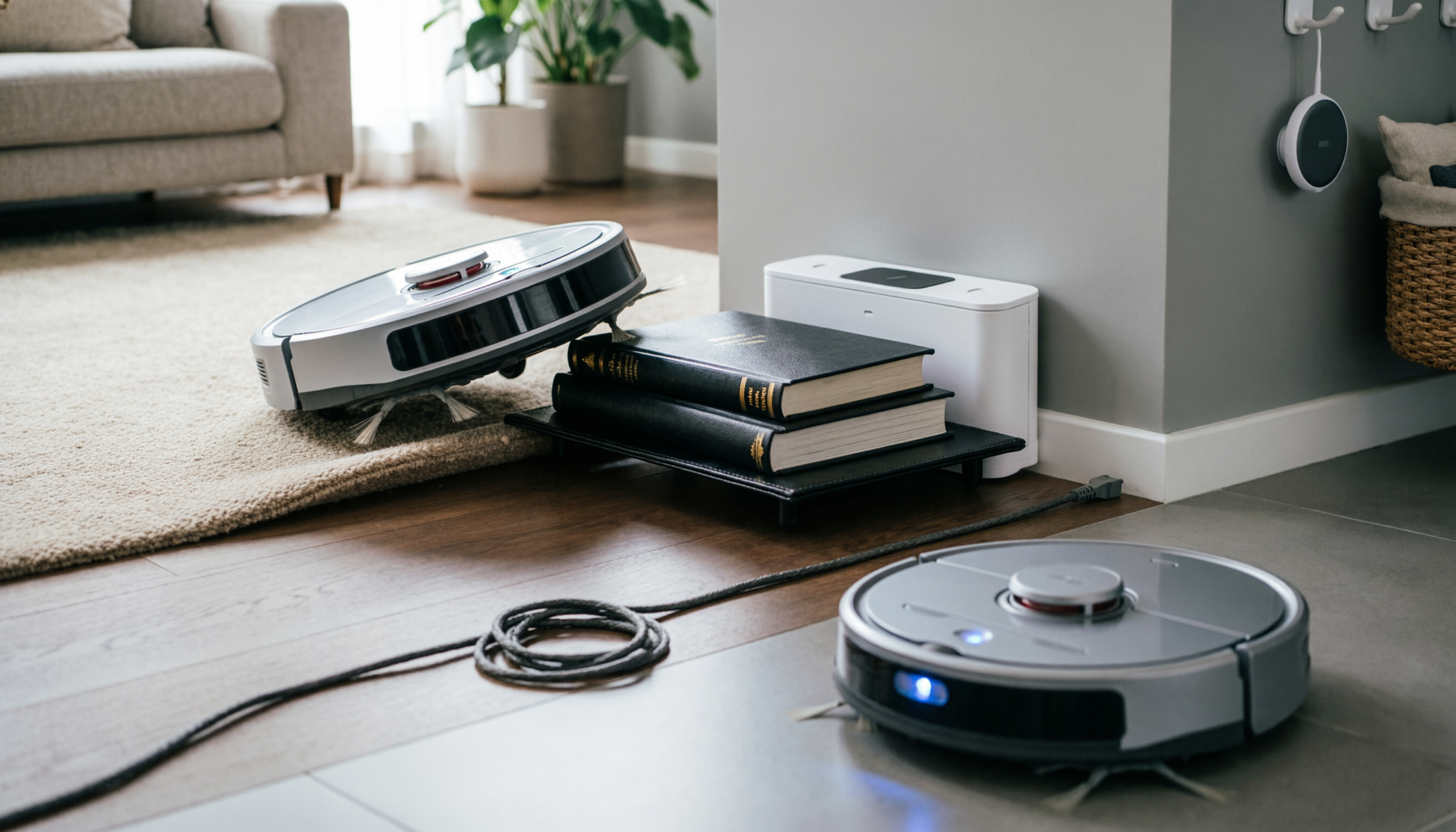
A robot vacuum that wanders around instead of docking is frustrating and easy to misread as a major fault.
In most homes, the issue comes down to setup, dirt buildup, or wear on a few key parts. Fix those, and docking becomes reliable again without replacing the entire unit.
The Short Answer
A robot vacuum fails to dock for three primary reasons: signal blockage (IR window is dirty), base instability (the dock is moving when the robot hits it), or clearance violations.
Ensure the dock has 1.5 feet of clearance on both sides and 3 feet in front. If the robot ‘bumps’ and retreats, clean the charging contacts on both the robot and the base with a pencil eraser to restore the electrical connection.
Replacement Parts That Fix Docking Issues
| Product Type | Best For | What It Fixes | What to Watch |
|---|---|---|---|
| Replacement Charging Dock Base | Worn or unstable dock | Loose connection, poor alignment | Must match model exactly |
| Charging Contact Kits | Corroded or dull metal pins | Intermittent charging | Cheap kits wear faster |
| High-Capacity Battery Packs | Weak or aging battery | Robot stops short of dock | Avoid off-brand cells |
These are the parts that solve real docking failures, not just mask them. Skip anything labeled as “universal” unless compatibility is proven.
IR Blindness: Cleaning the Home-Base Transmitter
Most robot vacuums rely on infrared signals to locate the dock. When that signal gets blocked, the vacuum behaves like it is lost.
Common causes:
- Dust film on the dock’s IR window
- Fingerprints or cleaning residue
- Pet hair buildup around the sensor
Fixing it takes less than two minutes:
- Use a dry microfiber cloth first
- If buildup is stubborn, lightly dampen with water
- Avoid sprays directly on the unit
A neglected sensor weakens the signal. The vacuum may circle the area but fail to “see” the dock until it is almost touching it.
Edge case worth noting: strong sunlight hitting the dock can interfere with IR signals. If the dock sits near a window, especially in the afternoon, repositioning often solves the issue instantly.
Positioning Logic: Why ‘Corner Tucking’ Kills Docking Success
Pushing the dock neatly into a corner looks tidy. It also breaks how the vacuum navigates.
Robot vacuums don’t just drive straight back. They approach, adjust angle, and align before making contact. Tight spaces remove that adjustment room.
What proper placement looks like:
- At least 1.5 feet (45 cm) clearance on both sides
- At least 3 feet (90 cm) in front
- Flat surface with no rugs under the dock
Common mistakes that quietly ruin docking:
- Dock placed on a thick carpet
- Dock wedged between furniture legs
- Charging cable pulling the base slightly sideways
A shifting dock is a silent failure point. If it moves even slightly when bumped, the robot loses alignment and backs away.
A simple fix:
- Place the dock against a wall
- Add a non-slip mat underneath if floors are smooth
That small adjustment often turns failed docking into consistent success.
Battery Voltage and Docking: When a Weak Battery Prevents a Successful Park
A weak battery does more than shorten cleaning time. It changes how the vacuum behaves when trying to dock.
Signs of battery-related docking issues:
- Robot slows down near the dock
- Stops just short and powers off
- Repeated attempts without full contact
Low voltage reduces motor strength. The vacuum may not have enough power to climb slight floor transitions or push firmly into the charging pins.
Testing this is simple:
- Start a cleaning cycle from full charge
- Watch how it docks immediately afterward
If docking works perfectly on a full charge but fails later, the battery is the problem.
Reality check: many users replace docks when the battery is the actual issue.
A good replacement battery restores:
- Consistent speed
- Strong docking alignment
- Reliable charging contact
Avoid the cheapest option. Poor-quality batteries degrade quickly and bring the same issue back within months.
A 5-Point Audit for the Perfect Dock Placement
Before replacing parts, run through this checklist. It catches most problems early.
1. Clear the Approach Path
No chairs, cords, or clutter within 3 feet in front.
2. Clean All Contact Points
Use a pencil eraser on metal contacts. This removes oxidation without damage.
3. Stabilize the Dock
Press it firmly against a wall. Add grip underneath if needed.
4. Check Surface Level
Uneven floors or thick rugs disrupt alignment.
5. Reduce Signal Interference
Move the dock away from direct sunlight or reflective surfaces.
Skipping even one of these creates inconsistent results. The vacuum may dock sometimes and fail other times, which makes the issue harder to diagnose.
When Replacement Is the Only Fix
If the charging contacts are worn flat or heavily corroded, cleaning will not restore them. At that point, replacing the dock becomes the practical option.
A new charging dock base restores:
- Strong electrical contact
- Stable alignment
- Reliable signal transmission
Match the exact model number. Close is not good enough here. A slightly different dock may power on but fail to align correctly.
FAQs
1. Why does the robot vacuum find the dock sometimes but not always?
Inconsistent docking usually points to clearance or contact issues.
The setup allows docking under ideal conditions but fails when alignment is slightly off or battery power drops.
2. Can software updates fix docking problems?
Rarely. Docking failures are almost always physical issues like dirt, placement, or worn parts. Software updates help navigation but do not fix contact or signal problems.
3. Is it okay to manually place the vacuum on the dock?
Yes, but it hides the real problem. Regular manual docking wears down contacts unevenly and delays proper troubleshooting.
Final Thought
Docking problems feel complicated but usually come down to simple, physical issues. Clean sensors, stable placement, and healthy power make the biggest difference.
When those basics are handled well, even older robot vacuums return home reliably without expensive repairs or unnecessary replacements.