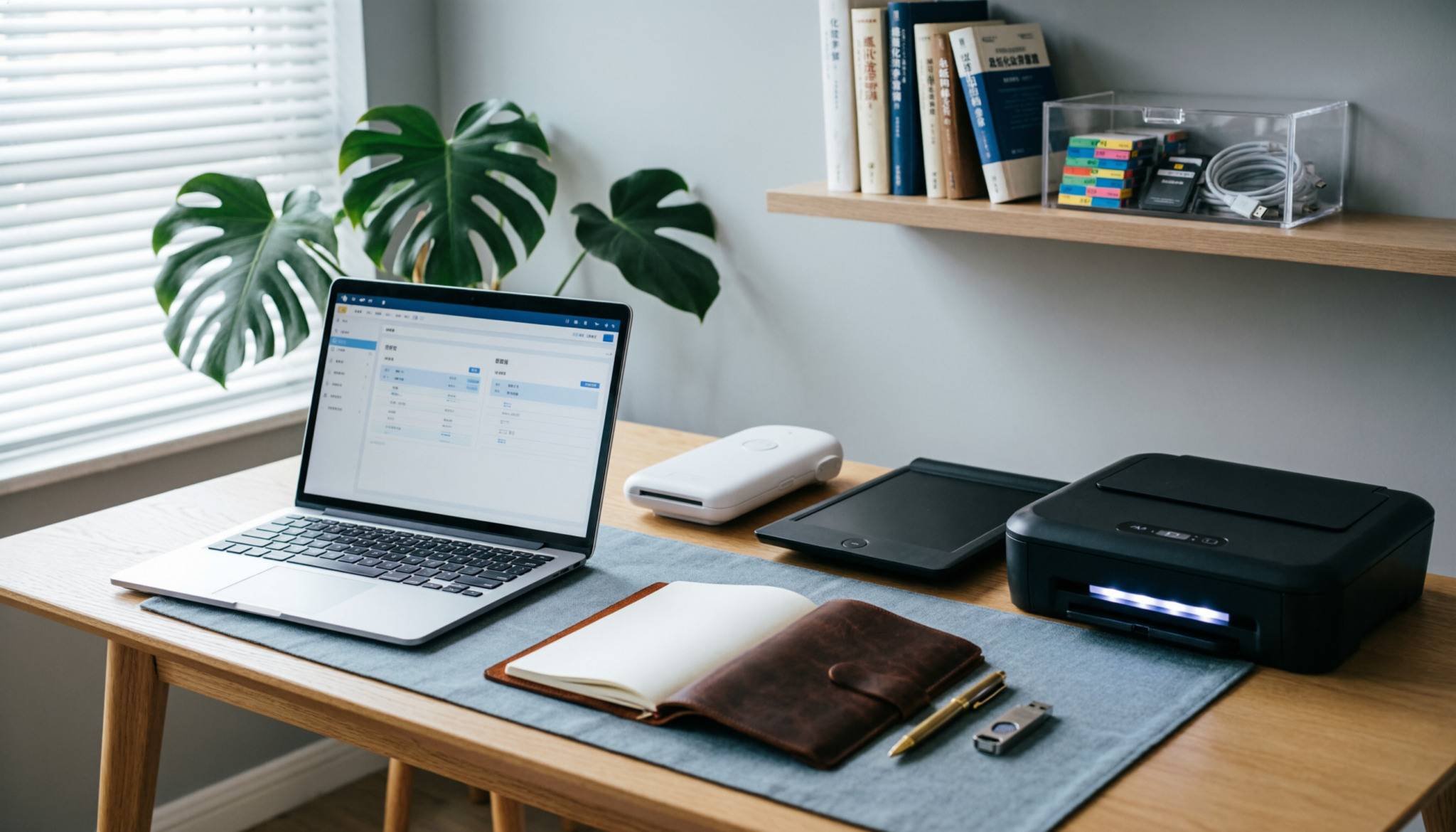
Tax papers pile up faster than expected. A clear, paperless system cuts clutter, saves time, and makes audits far less stressful.
With the right setup, every receipt, form, and statement is easy to find within seconds, even years later, without digging through drawers or boxes.
The Short Answer
A legally compliant paperless tax system requires OCR (Optical Character Recognition) scanning and a redundant cloud-and-local backup.
By digitizing receipts into a standardized “Year-Month-Category” folder hierarchy, audit prep becomes fast and reliable, while physical clutter stays minimal and controlled.
The Implementation Table
| System Component | Physical Tool | Digital Tool | Frequency |
|---|---|---|---|
| Capture | Mobile App / ScanSnap | Adobe Scan / Evernote | Weekly |
| Storage | External SSD | Google Drive / Dropbox | Monthly |
| Security | Fireproof Box (for Master) | 2FA / 256-bit AES | Constant |
Standardized Naming Conventions (The Secret to Searchable Files)
A messy naming system ruins even the best setup. Files must sort themselves without effort. The simplest structure that holds up over time:
Year-Month-Category-Detail
Examples:
- 2026-03-Taxes-W2-EmployerName
- 2026-02-Receipts-OfficeSupplies
- 2025-12-Bank-Statement
Why this works:
- Files stay in chronological order automatically
- Searches become predictable
- Audits become straightforward
Avoid vague names like “receipt1” or “tax doc final.” Those create confusion later. Consistency matters more than perfection. Even small slips multiply over seven years.
Hardware vs. Software: Do you need a dedicated document scanner?
A phone scanner works fine at the start. For light use, apps like Adobe Scan handle receipts and small batches well. The problem shows up when volume increases.
Where mobile apps fall short:
- Slower for multi-page documents
- Inconsistent image quality
- Manual effort adds up weekly
A dedicated scanner earns its place when paperwork becomes routine.
Practical breakdown:
- Fujitsu ScanSnap iX1600 Wireless Document Scanner
Fast, reliable, and simple to use. Ideal for weekly scanning habits. High upfront cost, but saves hours over time. - Epson WorkForce ES-400 II Duplex Document Scanner
Strong balance between speed and price. Handles double-sided pages well. Slightly less intuitive software. - Canon imageFORMULA R40 Office Document Scanner
Solid entry option. Good for moderate use. Not as fast for bulk scanning.
Bottom line:
A scanner is not essential at the beginning. It becomes necessary when weekly scanning feels like a chore instead of a quick habit.
Encryption & Security: Protecting your SSN in the cloud
Digital files are only as safe as the system behind them. Tax documents hold sensitive data, so security cannot be an afterthought.
Non-negotiables:
- Enable two-factor authentication on all cloud storage
- Use strong, unique passwords
- Encrypt external drives
For local backups, a reliable SSD adds speed and durability.
- Samsung T7 Portable SSD 1TB
Fast and dependable. Handles large file libraries without lag. - SanDisk Extreme Portable SSD 1TB
Durable and water-resistant. Good for long-term storage security. - Crucial X9 Portable SSD 1TB
Affordable and straightforward. Suitable for basic backups.
Keep one backup in the home and another separate if possible. Fires, theft, and hardware failure happen without warning.
FAQs
1. How long should tax documents be kept?
Seven years covers most audit scenarios. Some records, like property documents, should be kept longer. When unsure, keep digital copies. Storage is cheap; missing paperwork is not.
2. Is scanning receipts legally accepted?
Yes, as long as scans are clear, complete, and accessible. OCR helps make files searchable and usable if reviewed during an audit.
3. What should still stay on paper?
Keep original copies of major legal documents such as wills, property deeds, and signed contracts. Store them in a fireproof box for safety.
Final Thought
A paperless tax system works when it stays simple and consistent. Weekly scanning, clear naming, and reliable backups prevent stress later.
Small habits matter more than perfect tools. Set it up once, maintain it lightly, and tax season becomes routine instead of overwhelming.