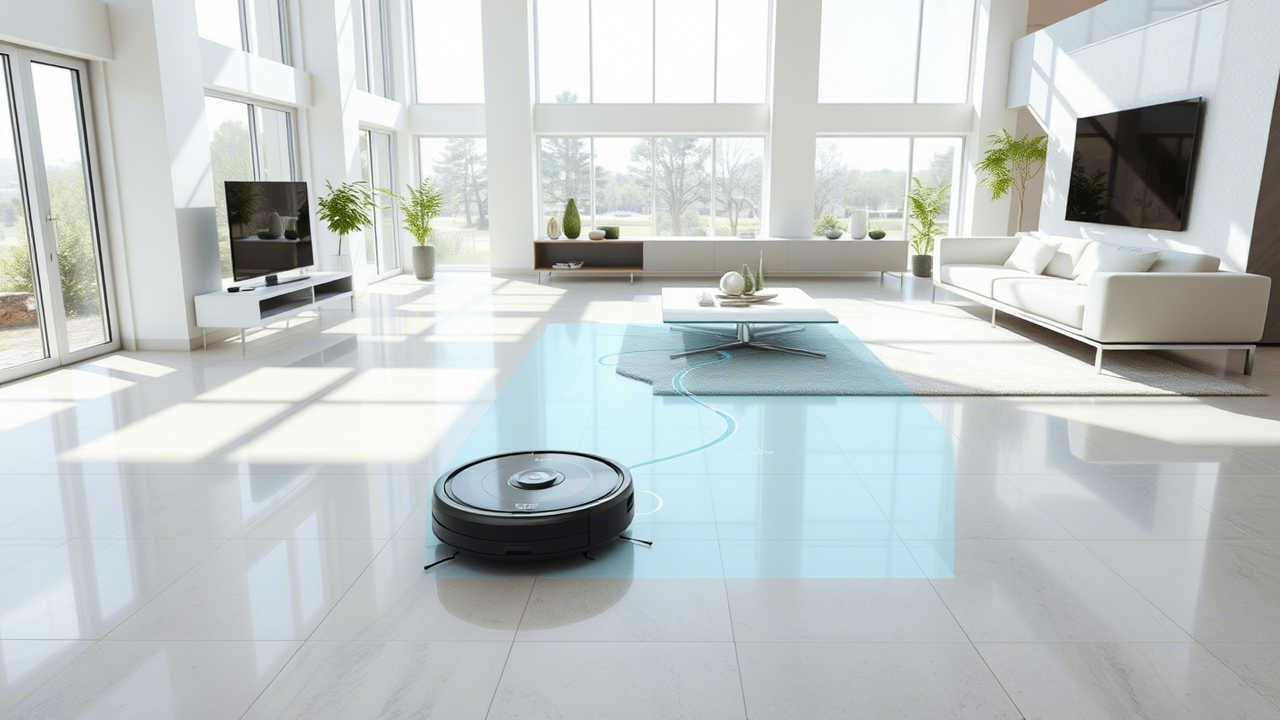
Diagnostic Summary: Robot vacuums often refuse to cross black rugs because cliff sensors mistake dark surfaces for stair edges.
Infrared light from the sensor fails to reflect properly from deep black fibers, triggering a fall-protection shutdown.
Most cases require sensor cleaning, lighting adjustment, or rug modification rather than motor or battery replacement.
Warning
Never tape over cliff sensors permanently. Stair detection systems prevent expensive falls and internal damage. Disabling sensors near staircases creates a serious safety hazard for pets, children, and the robot vacuum itself.
Black Rug Detection Comparison Table
| Surface Type | Infrared Reflection Outcome | Cliff Sensor Response | Cleaning Result |
|---|---|---|---|
| Light Low-Pile Rug | Strong reflection | Safe surface detected | Normal cleaning |
| Dark Gray Rug | Partial reflection | Occasional hesitation | Inconsistent cleaning |
| Solid Black High-Pile Rug | Minimal reflection | Cliff detected | Vacuum stops or reverses |
What’s Actually Happening Underneath
Cliff sensors sit underneath the vacuum, constantly firing infrared light toward the floor.
Light reflects back on lighter surfaces, confirming safe ground. Black rugs interrupt this feedback loop.
This creates three common behaviors:
- Sudden stops at the rug edge
- Repeated backing away
- Entire zones skipped during cleaning
Homes with patterned rugs face an even bigger issue.
Dark patches within lighter designs can trigger inconsistent movement, making cleaning look erratic and incomplete.
The “Tape Hack” Warning
A popular DIY fix involves covering the cliff sensors with tape or paper to force the vacuum to ignore false drop signals.
Yes, it works. But it solves one problem by creating a bigger one.
The real risk:
- Stairs, ledges, and split-level flooring become invisible
- The vacuum can drive straight off an edge
- Damage to the machine is likely, especially with heavier models
This workaround only makes sense in single-level homes with zero drop risks. Even then, it’s a compromise, not a solution.
A safer approach is to block off risky areas physically or use virtual boundaries if supported.
Why Robot Vacuums Treat Black Rugs Like Cliffs
Most robot vacuums rely on downward-facing infrared cliff sensors. These sensors continuously emit invisible light toward the floor. Light bounces back into the receiver when the surface appears safe.
Black rugs absorb infrared light instead of reflecting it. Thick fibers worsen the problem by trapping light between strands. The vacuum interprets the missing reflection as empty space beneath the machine.
Manufacturers designed this feature to prevent stair falls. From the robot’s perspective, a black rug and a staircase edge can appear nearly identical.
This issue affects many major brands, including models from iRobot, Roborock, and Ecovacs.
Which Rugs Cause the Biggest Problems
Not every dark rug creates sensor confusion. Several factors increase failure rates.
High-Risk Rug Types
- Solid black shag rugs
- Thick high-pile carpets
- Rugs with glossy black patterns
- Dense wool rugs
- Rugs with deep geometric shadows
Lower-Risk Rug Types
- Medium-gray rugs
- Flatweave carpets
- Patterned rugs with lighter sections
- Low-pile synthetic rugs
Pile height matters as much as color. Deep fibers scatter infrared light unpredictably, especially under dim room lighting.
Technician’s Insight
Technician’s Insight: Robot vacuums with dirty cliff sensors often misread ordinary flooring as a drop-off hazard.
Dust films weaken infrared signal return, causing random stops near dark rugs, glossy tiles, and shadowed corners.
Regular sensor cleaning restores accurate floor detection and reduces unnecessary navigation errors.
How to Fix a Robot Vacuum That Avoids Black Rugs
Several fixes work without opening the vacuum or voiding the warranty.
Clean the Cliff Sensors
Dust buildup weakens infrared accuracy.
Steps:
- Turn off the robot vacuum
- Flip the unit upside down
- Locate the cliff sensors near the front edge
- Wipe sensors with a dry microfiber cloth
- Remove smudges carefully with a cotton swab
Even a thin dirt layer can distort readings.
Improve Room Lighting
Some sensors perform poorly in dim spaces. Bright ambient lighting improves floor contrast.
Best results usually come from:
- Daytime cleaning cycles
- Overhead LED lighting
- Open curtains near dark rugs
Poor lighting exaggerates the “cliff effect.”
Add Contrast Around the Rug
A light-colored border helps some robot vacuums identify the surface transition correctly.
Possible fixes:
- Beige rug tape
- Thin white rug edging
- Light runner placement nearby
This approach works best on smaller accent rugs.
Lower the Rug Pile
Extremely plush rugs create inconsistent reflections.
Helpful adjustments:
- Use a rug pad to stabilize fibers
- Vacuum the rug manually first
- Trim loose shag sections carefully
Flattened fibers reflect infrared signals more consistently.
Check App Settings
Some advanced robot vacuums allow sensitivity adjustments through companion apps.
Features may include:
- Cliff sensor sensitivity reduction
- Carpet boost customization
- No-go zone management
- Rug recognition modes
Premium models from Dyson and Samsung increasingly use AI-based navigation systems that rely less heavily on infrared alone.
Why Older Robot Vacuums Struggle More
Older robot vacuums depend almost entirely on infrared cliff detection. Newer models combine multiple systems:
- LiDAR mapping
- Camera navigation
- Structured light sensors
- AI obstacle recognition
- 3D room scanning
Budget models still rely heavily on basic infrared hardware because the system costs less to manufacture.
This explains why one robot vacuum crosses a black rug easily while another refuses entirely.
Temporary Fixes That Usually Fail
Several internet fixes create bigger problems later.
Electrical Tape Over Sensors
This method disables fall protection completely. Stair falls can crack wheels, damage batteries, or destroy laser towers.
Permanent Sensor Covers
Opaque covers create navigation confusion and increase collision frequency.
Dark Rug Replacement
Replacing an expensive rug solely for a robot vacuum rarely makes financial sense unless a remodel is already planned.
A better long-term solution usually involves upgrading to a smarter navigation system.
When the Problem Signals Hardware Failure
A robot vacuum that suddenly rejects all surfaces may have damaged cliff sensors rather than a rug issue.
Common warning signs:
- Constant reversing
- Cliff error messages on hardwood floors
- Random spinning behavior
- Failure near light carpets
- Continuous stopping under furniture
Possible causes include:
- Scratched sensor lenses
- Loose wiring
- Moisture damage
- Failed infrared emitters
- Mainboard communication errors
Professional repair becomes worthwhile when sensor failures affect multiple floor types.
FAQs
1. Why does a robot vacuum clean light rugs but avoid black rugs?
Black fibers absorb infrared light instead of reflecting it back to the cliff sensors. The vacuum interprets the missing reflection as a dangerous drop.
2. Can black rugs damage a robot vacuum?
Black rugs do not damage the vacuum directly. Repeated navigation confusion, however, increases battery drain and motor wear from excessive stopping and reversing.
3. Which robot vacuums handle black rugs best?
Higher-end models with LiDAR and camera-based navigation usually perform better because navigation relies less on infrared cliff sensing alone.
Bottom Line
Black rugs confuse robot vacuums because cliff sensors mistake dark surfaces for stair edges. Most cases stem from infrared reflection problems rather than mechanical failure.
Sensor cleaning, brighter lighting, and lower rug pile often solve the issue. Persistent failures usually indicate outdated navigation hardware or damaged cliff sensors requiring replacement.